Pages

Open The Hand

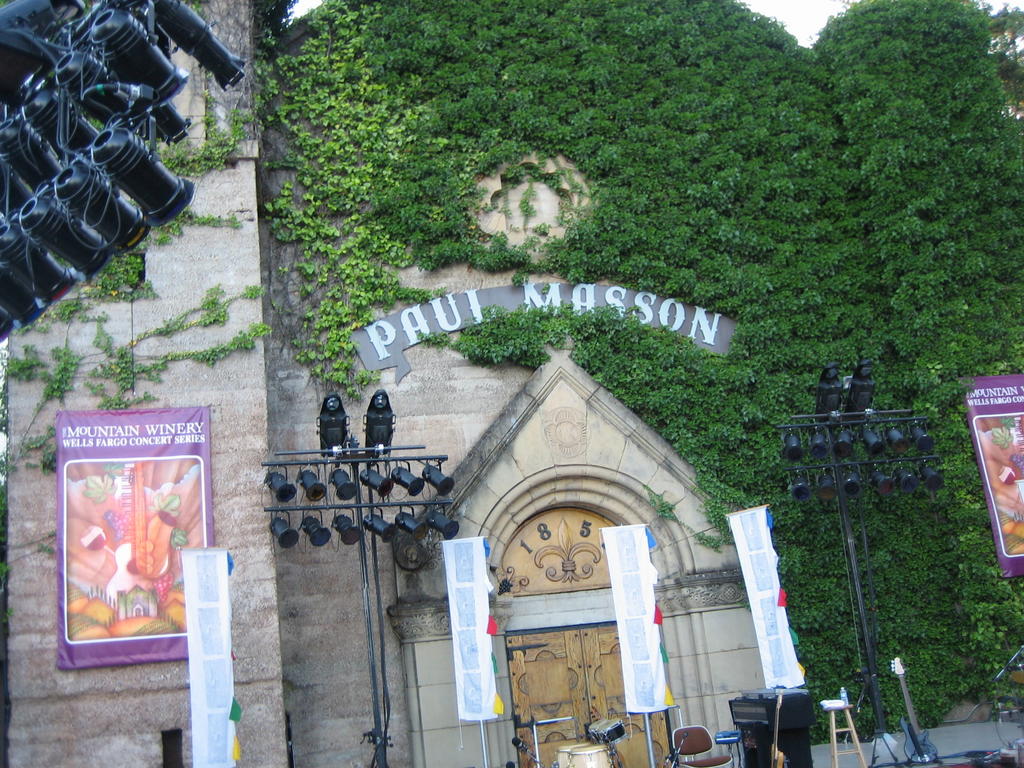
I spent last week in Boston. However, before I left I went to an Ottmar Liebert concert at the Saratoga Mountain Winery, the beautiful venue pictured above. In addition to playing some amazing music, Ottmar is supremely *with it* Free Culture style. (This came as no surprise of course since it was Eric Case that turned me on to his acoustic stylings and geektastic leanings.) Ottmar is blogging, he's podcasting, and he's released his music under a Creative Commons Sampling Plus license. Here's what he said to much applause at the end of strong set at the winery:

"I decided that copyright, it sort of seemed like everybody was holding on to everything. So as an artist I thought, "What can I do?" Open the hand. So what we're doing is releasing the album with a Creative Commons license. It's a sampling plus license."
If you get a chance to go to one of Ottmar's concerts, I highly recommend it. If you can't make it to a live show then listen to his music online or buy his current release. It's good stuff.

Read more

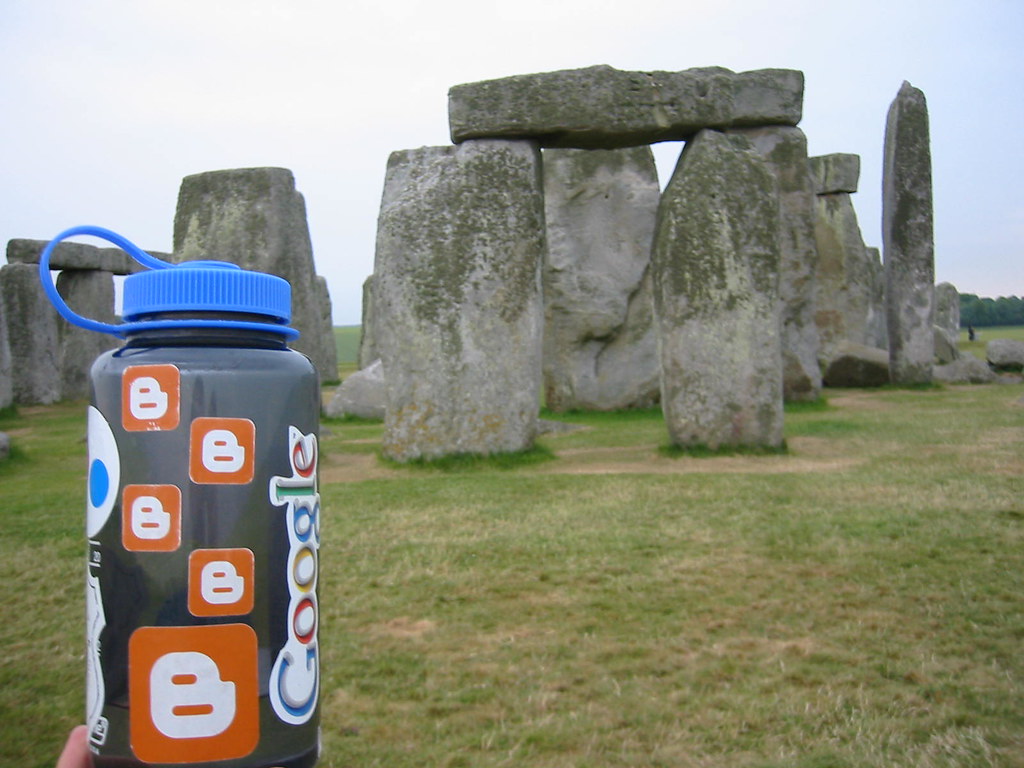
And oh how they danced

photo credit: Graham Waldon (who also writes our Blogger Hacks articles)

Got a photo of Blogger cavorting in an exotic locale? Let us know.

Read more

Dashboard Stats

We've re-enabled post counts on the dashboard. But remember, it's quality not quantity.

Read more

Spam Fighting

Via BoingBoing comes this post at The Republic of Geektronica: The Strange World of Blogspot Spamblogs, which points out a new kind of spam on Blog*Spot. People are creating seemingly legitimate news blogs which contain spam links cleverly hidden by CSS. Geektronica, you rock. Thanks for finding this sneaky spam. We're hoping to leverage more of this kind of help from the community in the future.

But wait! There are a few things I'd like to address in the Geektronica post. The post states that Blogspot "apparently does not have a policy against" spam but our Terms of Service states that we will terminate spam (and we do). It also says "Blogspot now requires CAPTCHA authentication to start a new account." We require CAPTCHA authentication to create new blogs, not new accounts. There's a big difference there because one account can have many blogs. While we're on the subject of CAPTCHA let me say that we never thought it would "fix the problem" of spam. CAPTCHA has had an impact but also has accessibility drawbacks that prevent it from being a complete solution.

The braintrust here at Google has lots of experience dealing with spam and the Blogger crew is actively leveraging this talent to find new ways to combat the problem. Kudos to The Republic of Geektronica for taking note of this new wrinkle and yes, we are working hard against spamblogs.

Read more

The Blog Business Summit Is Coming!

And Blogger users get a special discounted rate. I went to the last one and it was great. This time, the BBS is being held in a palace. An actual palace. The Palace in San Francisco, to be precise. Publish and Prosper August 17-19, 2005.

Read more

A Layout Solution

We have a fix for Blogger users experiencing template woes due to our recent update. First, I'd like to explain what the issue was.

In order to provide the layout options in our newly released Blogger Images we had to wrap all posts in a <div clear:both> tag. For some users this resulted in template formatting issues (even without uploading images). So today we introduced a new setting to suppress that markup.

Please note that suppressing the markup will result in layout problems when using left or right alignment for images. You should only change this setting if you are currently having trouble with normal posts.

    How To Use The Setting
  1. Sign in to your Blogger Dashboard
  2. Click the "Change Settings" icon next to your blog
  3. Click "Formatting" under the Settings tab
  4. Choose "No" on "Enable float alignment"
That should do the trick. Thanks for being so patient while we got this figured out and implemented.

Read more

Layout Solutions

Update#2: There is a way to fix the layout problem without using any special code. It is now just a setting in Blogger: Read all about it.

Update:
We've got a solution that provides users an easy way to disable the markup that is causing them some layout glitches with their blog. It will allow those who have custom templates and certain older templates to fix their blog up right proper. We're building and testing the solution now and we'll let you know when it is ready.

As mentioned on our status blog, recent updates to Blogger are causing annoying layout problems for some of our users. We are working on the bigger solution for this but in the meantime we've got a quick workaround for what appears to be one of the biggest culprits--the big space at the top of your blog, most notably blogs using the Bluebird template. This workaround requires that you modify your template. Here's how to do it:

Just below the line that says <style> or <style type="text/css"> try adding this:

#main #menu {
position: absolute;
right: 21px;
}


Then save and republish. This should help with the big space issue. Some modified templates might not respond to this. We'll continue to work on this but let us know (bloggerbuzz@gmail.com) if this doesn't work for you. Remember to copy and save your template in a text editor before you make any changes and for more information about editing templates visit our Help site.

Read more